

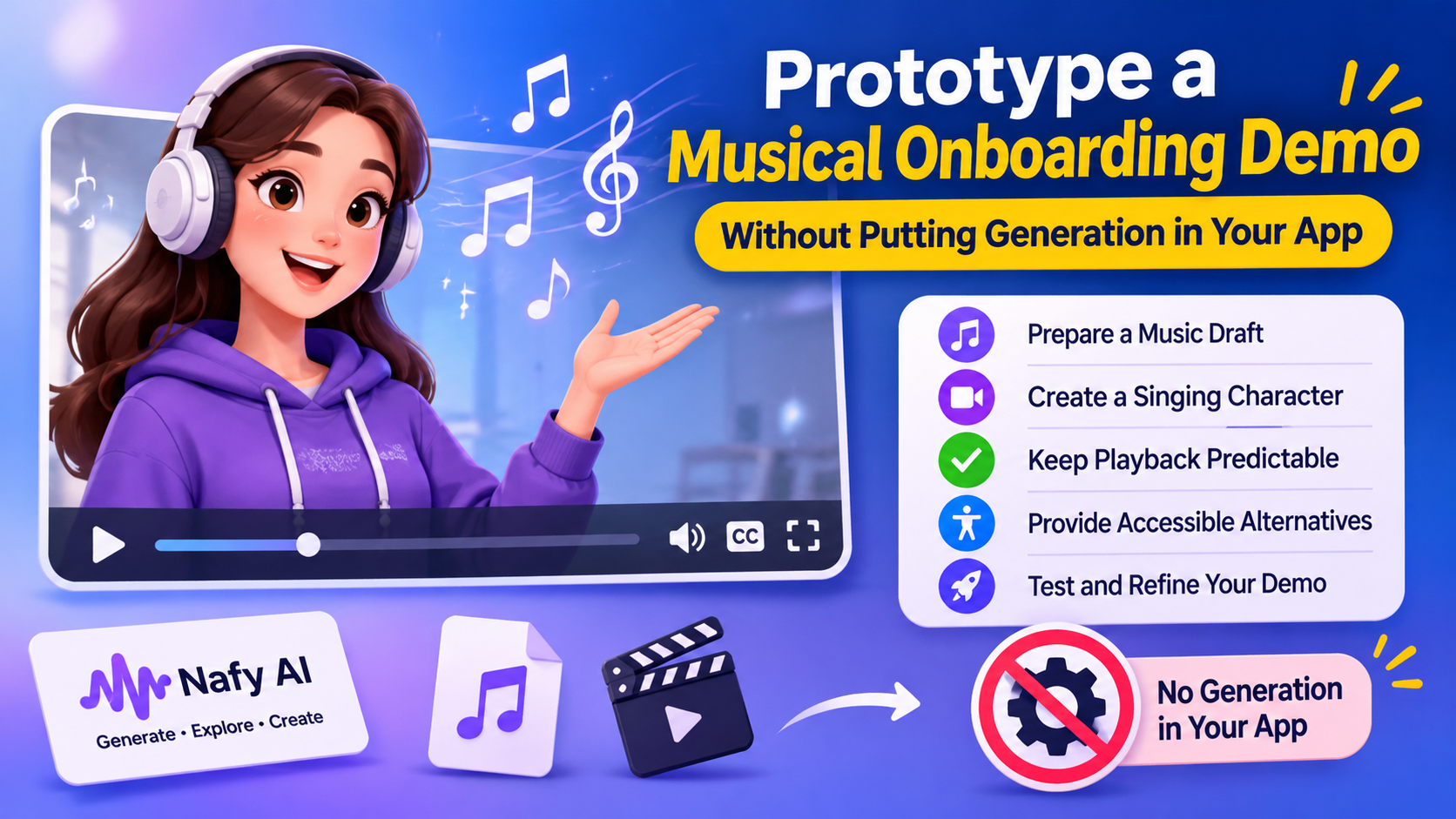
A developer preparing a product demonstration may want a short musical cue or an animated character to make the walkthrough less abstract. The first question is architectural: does this demonstration actually need a live generation feature, or does it only need a few prepared media assets?
For the second case, a free AI music generator can be used during content preparation rather than integrated into the application. Nafy AI offers free ways to start experimenting, subject to credits and platform limits. That does not mean every media feature is free or that a free account automatically permits every intended use.
The workflow below is an asset-preparation pattern for a hypothetical onboarding demo. It does not assume a Nafy AI developer API, an SDK, a webhook, or permission to automate its interface. Generation happens manually in the browser; the application receives only media files that have been reviewed and cleared for use.
Define the acceptance criteria before making the asset
Suppose the demo introduces a fictional guide character. It needs a musical opening, then a short visual performance to establish the character, followed by the actual product walkthrough. The media should support the explanation rather than delay access to it.
Write down the intended mood, whether vocals are useful, the point where narration begins, and the target playback environment. Decide what should happen if audio is muted or the media fails to load. These requirements are more valuable than a generic instruction to make the experience engaging.
Do not put real customer details, unreleased product secrets, or access credentials into creative prompts. A fictional scenario provides enough context to evaluate the concept without turning a demonstration asset into a data-handling problem.
Make a music draft outside the application
Nafy AI’s text to music generator accepts a written musical direction. Its page describes prompts built around genre, mood, instruments, vocal preference, and intended use. For this prototype, those fields can become a compact creative brief rather than application code.
An example brief might request a gentle electronic introduction for a friendly software guide, with sparse instrumentation and no vocals during the explanation. This is a suggested prompt, not a measured result. Listen to the actual output before deciding whether it satisfies the brief.
Keep the selected file and its prompt together in the project notes. If the draft does not fit the intended timing, edit an authorized export in an appropriate media editor or prepare another version. Do not assume the generator will return an exact duration merely because the prompt asks for it.
Treat a singing character as a separate asset
If the demonstration benefits from a vocal character, Nafy AI’s AI singing video generator describes a portrait-and-audio workflow. It includes selecting a song segment and generating a lip-synced video. This is different from adding an animated mouth to a component with a few lines of frontend code.
Use a portrait the project has permission to animate. A commissioned fictional character can be a clearer choice than a recognizable person’s photograph, but the illustration’s license still needs to cover the intended use. The audio needs its own rights review.
Nafy AI’s page lists singing video generation as available to Pay As You Go and Pro users. Budget for that separately rather than treating a free music experiment as a promise of free video output. Review the completed clip for visual artifacts and synchronization before including it in a customer-facing demonstration.
Keep playback predictable
After selecting and exporting approved assets, the integration becomes a normal media-delivery task. Store the files in the project’s authorized asset location, use a stable path or delivery URL, and keep a record of the version included in the demo.
Provide playback controls instead of relying on autoplay with sound. Browser policies and user preferences can prevent that behavior. If video starts automatically, a muted presentation with an obvious way to enable sound is generally easier to accommodate than an experience that depends on immediate audio playback.
A singing video also needs accessible alternatives. Supply captions or an equivalent text presentation for meaningful lyrics, and make the product instructions available independently of the performance. The demo should remain usable for someone who cannot hear the track or chooses not to play it.
Check the actual exported dimensions, duration, encoding, and file size. Test loading on a slower connection and at the viewport sizes the demo will use. A polished generated clip can still be a poor web asset if it delays the interface or obscures the primary action.
Separate asset quality from product reliability
A prepared clip tests a presentation idea, not a production generation pipeline. It tells the team whether a musical introduction helps communicate the product. It does not establish generation latency, API availability, concurrent capacity, or suitability for processing user uploads.
That boundary keeps the prototype honest. Nafy AI can help prepare candidate audio and video through its browser workflows; the developer can evaluate the resulting assets without inventing an integration that has not been documented. If the concept works, the next technical decision can be made from real requirements rather than from the appearance of a staged demo.
